Is LinkedIn automation safe? What gets accounts restricted
No automation tool is approved by LinkedIn. What gets accounts restricted, the limits we run every account on, and what to do if it happens.

Founder of Blen11 min read
On this page
Not in the sense most people mean. LinkedIn's User Agreement bans bots and "unauthorized automated methods" for sending messages and adding contacts, so no automation tool is approved, however it's marketed. What you can control is how much risk you carry, and that comes down to how fast you go, who you invite, and whether a person reads each message before it's sent.
Most of what ranks for this question is written by companies that sell automation tools. We run outreach on client accounts every weekday and sell no tool, so this post sticks to what LinkedIn's own pages say and the limits we hold ourselves to.
What LinkedIn's rules say about automation#
Section 8.2 of the User Agreement (opens in a new tab) lists what members agree not to do, and one line covers almost every outreach tool on the market. You may not "use bots or other unauthorized automated methods to access the Services, add or download contacts, send or redirect messages, create, comment on, like, share, or re-share posts, or otherwise drive inauthentic engagement."
The Help Center page on prohibited software and extensions (opens in a new tab) goes further. LinkedIn doesn't permit "any third party software, including 'crawlers', bots, browser plug-ins, or browser extensions that scrape, modify the appearance of, or automate activity on LinkedIn's website." Members who use them "risk having their accounts restricted or shut down."
Three more rules matter once you start prospecting.
| Rule | Where LinkedIn says it | What it means for outreach |
|---|---|---|
| Tools that scrape or export data "may be a violation of privacy legislation in specific jurisdictions" | Automated activity on LinkedIn (opens in a new tab) | Scraping adds legal exposure on top of the account risk |
| "Do not use our invitation feature to send promotional messages to people you don't know" | Professional Community Policies (opens in a new tab) | A pitch in the invite note breaks policy as well as putting people off |
| "Excessive, irrelevant, or repetitive comments or messages" count as spam | Spam (opens in a new tab) | The same message pasted to 200 people is spam, whoever presses send |
So when a vendor calls its tool safe, read it as lower risk. LinkedIn doesn't approve any of them, and the rules have no exception for tools with good pacing. The rest of this post is about keeping that risk low and knowing what to do if a restriction lands anyway.
What gets accounts restricted#
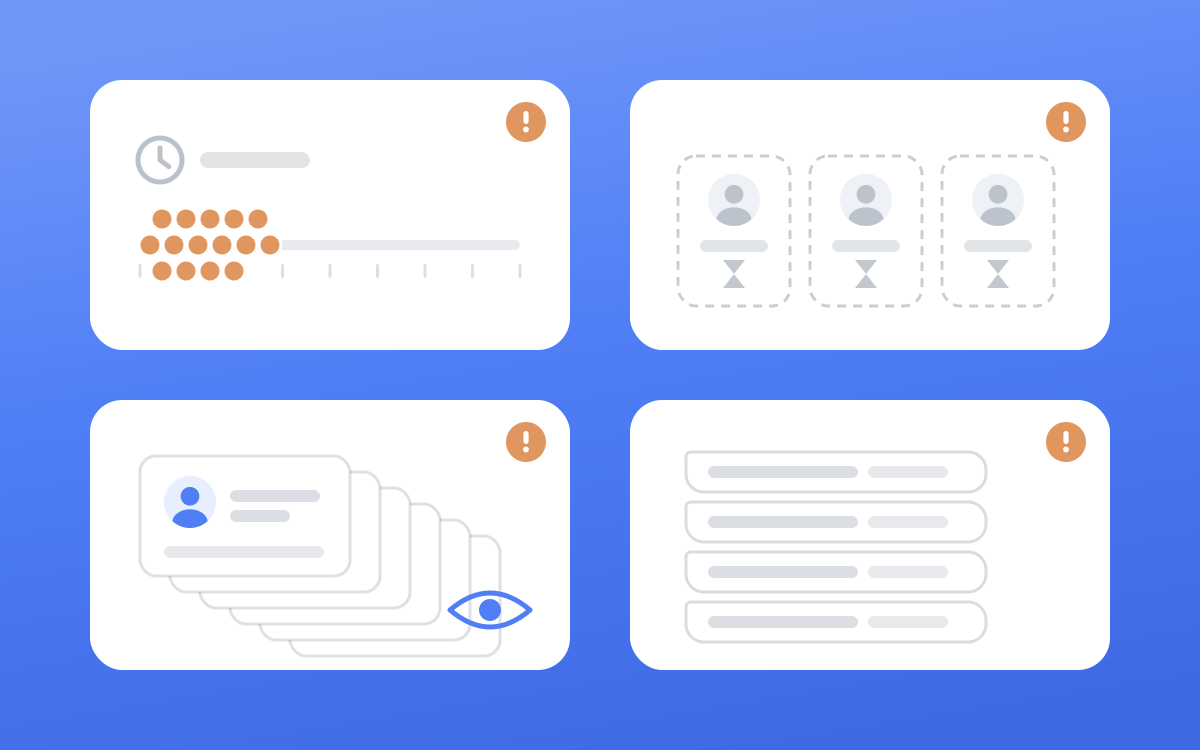
LinkedIn names its triggers across a handful of help pages. Put together, they describe an account acting faster or more repetitively than a person would.
Many invitations in a short time#
LinkedIn's page on invitation restrictions (opens in a new tab) gives the first reason plainly: "You've sent many invitations within a short amount of time." It adds that if you send an excessive number "and we suspect the use of an automation tool, we may suspend or restrict your account."
The wording is about time as well as totals, which is why the gap between invites matters as much as the daily number.
Invites that get ignored, left pending or marked as spam#
The second reason on the same page is "Many of your invitations have been ignored, left pending, or marked as spam by the recipients." Delays and random gaps do nothing for this one. If your list is full of people with no reason to know you, ignored invites pile up and count against the account.
A tighter list is a safety measure as much as a sales one. We cover how to build one in Sales Navigator filters that find buyers who reply.
Viewing profiles in bulk, even by hand#
Sending nothing doesn't keep you off the radar. LinkedIn's restricted action message (opens in a new tab) page says you may be blocked from viewing more pages "if we detect an unusually large number of page views from your account", and that the User Agreement "prohibits automated or manual means of systematically viewing pages on LinkedIn."
Lead enrichment extensions that open profile after profile trigger exactly this. Our rule on client accounts is strict. More than 10 profile lookups back to back counts as bulk, and we don't do it. Lead research runs somewhere other than the account doing the outreach.
Extensions and tools that act for you#
The account restrictions (opens in a new tab) page says "automated inauthentic activity violates the LinkedIn User Agreement and can result in temporary or permanent restriction of your account." Browser extensions and plug-ins are named outright on the prohibited software page, so there's no grey area about them.
The same message sent to everyone#
Repetitive messages are on LinkedIn's spam list, and they also get ignored and reported, which feeds the invitation signal above. A template is fine as a skeleton. A hundred identical copies with only the first name swapped is what reads as spam. Our LinkedIn outreach message templates show where a sequence should flex for each lead.
Is there a weekly invitation limit?#
LinkedIn doesn't publish one. The 100-a-week figure you'll see on many tool blogs isn't on any LinkedIn help page we could find. Here is what the Help Center does say:
- All members, "Basic and Premium", are subject to invitation limits, and "You can't buy or acquire more invitations while you've been restricted, or otherwise." (source (opens in a new tab))
- Your network tops out at "a maximum of 30,000 1st-degree connections." (same page)
- After you withdraw an invitation, "you won't be able to resend an invite to the same recipient for up to three weeks." (same page)
- Personalised notes have their own limit, and LinkedIn contradicts itself about it for free accounts, three a month (opens in a new tab) on one page, five (opens in a new tab) on another. More on that in our guide to connection request messages.
With no official number, the useful question is what pace keeps you well clear of "many invitations within a short amount of time". Here's ours.
The pacing we hold every account to#
Blen runs outreach from each client's own LinkedIn account. These caps sit well under the limits you'll see quoted online, on purpose. A restricted account costs a client weeks of pipeline, and LinkedIn says a permanently restricted one disappears: "Other people will no longer be able to find your LinkedIn profile or message you" (source (opens in a new tab)).
| What | Our rule per account | Why |
|---|---|---|
| Connection requests | 15 a day, 3 to 7 minutes apart at random | Keeps the account far from bursts |
| First messages after an accept | 15 a day, 2 to 5 minutes apart | Each one is read and approved first |
| Follow-ups | 20 a day, 2 to 5 minutes apart | Only to people who haven't answered |
| Sending hours | 9am to 6pm in the account owner's time zone, weekdays only | Sends at 3am or on a Sunday look nothing like a person at work |
| Profile lookups | Never more than 10 back to back | Bulk viewing is its own restriction |
| Pending invites | Withdrawn after 21 days, at most 8 withdrawals a day | Invites "left pending" count against you |
At 15 a day on weekdays, an account sends 75 invites a week at most. That only works if the list is right, because a slow pace to the wrong people still ends in ignored invites.
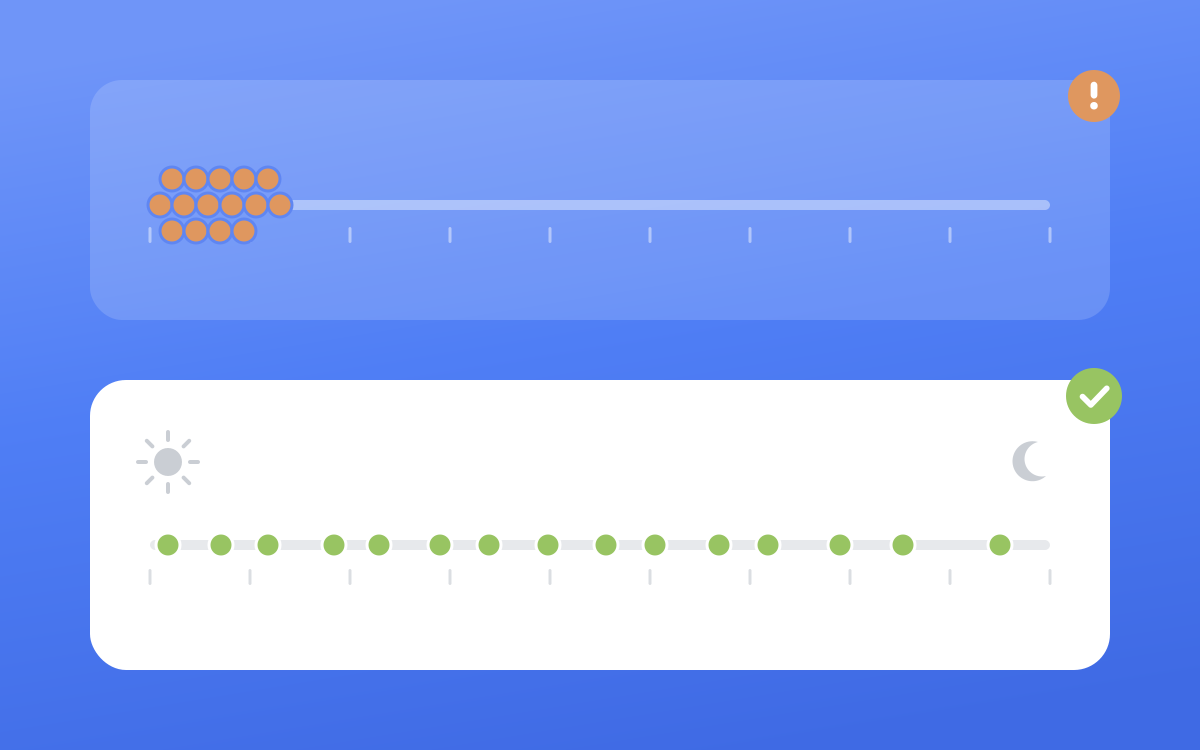
One more rule sits under the table. When LinkedIn refuses invites at the account level, for example because there are too many outstanding invitations, the whole batch stops at that lead and nothing else goes out that day. A tool that keeps retrying is how one restriction becomes several.
Keep a person on every message#
Pacing handles the "short amount of time" signal. The others (ignored invites, spam reports, repetitive messages) come down to what you send and to whom, and software is bad at judging that. At Blen a person reviews and approves every message before it leaves a client's account. That review catches the mistakes a sequence runs straight into:
- A lead who already replied. The CRM says "first message sent", but the thread shows they answered yesterday. We read the live conversation before every send and trust it over any status column.
- A reply that is only a thumbs up. That is politeness, so the sequence carries on. A real note gets a real answer in place of the next template. More in how to follow up on LinkedIn after no response.
- People the account is already connected to. Lists pulled from a search can include contacts the client knows personally. We check every list against the account's own connections and drop them before anything goes out.
- The wrong name. The first name in the greeting is checked against the live profile before a message is sent.
Approval doesn't change what the User Agreement says. It keeps each message relevant and written for one person, which is the opposite of what LinkedIn's restriction and spam pages describe.
Warning signs to stop on#
These are the signals we treat as a full stop on any account:
- A notice that you're restricted from sending invitations.
- A message that you can't view more pages for now.
- A prompt to verify your identity.
- Invites refused for the day, or a warning about too many outstanding invitations.
- Acceptance rates falling while pending invites pile up.
When any of these shows up, stop every action on that account at once. Don't retry to see whether it has lifted, and don't switch to another tool to finish the batch. LinkedIn's suggested wait gets longer with each restriction, and its invitation restrictions page (opens in a new tab) says "Repeated suspensions may result in permanent restriction of your LinkedIn account."
What to do if your account is restricted#
Read the notice first, because the fix depends on the type. LinkedIn Support "cannot disclose any additional information regarding the type or reason for the invitation restriction on your account", so the notice is most of what you'll get.
| Restriction | What LinkedIn says to do | Source |
|---|---|---|
| First invitation restriction | Wait a few hours, then try again | Invitation restrictions (opens in a new tab) |
| Several invitation restrictions in one day | Wait a few days, then try again | Same page |
| Too many outstanding invitations | Wait up to one month before sending another invitation | Same page |
| Suspended for automated activity | Disable the tool or extension; the account is re-enabled at the time in the notice | Automated activity on LinkedIn (opens in a new tab) |
| Can't view more pages | Wait 24 hours before viewing more | Restricted action message (opens in a new tab) |
| Identity or takeover concern | Log in and follow the on-screen steps to verify your identity | Account restrictions (opens in a new tab) |
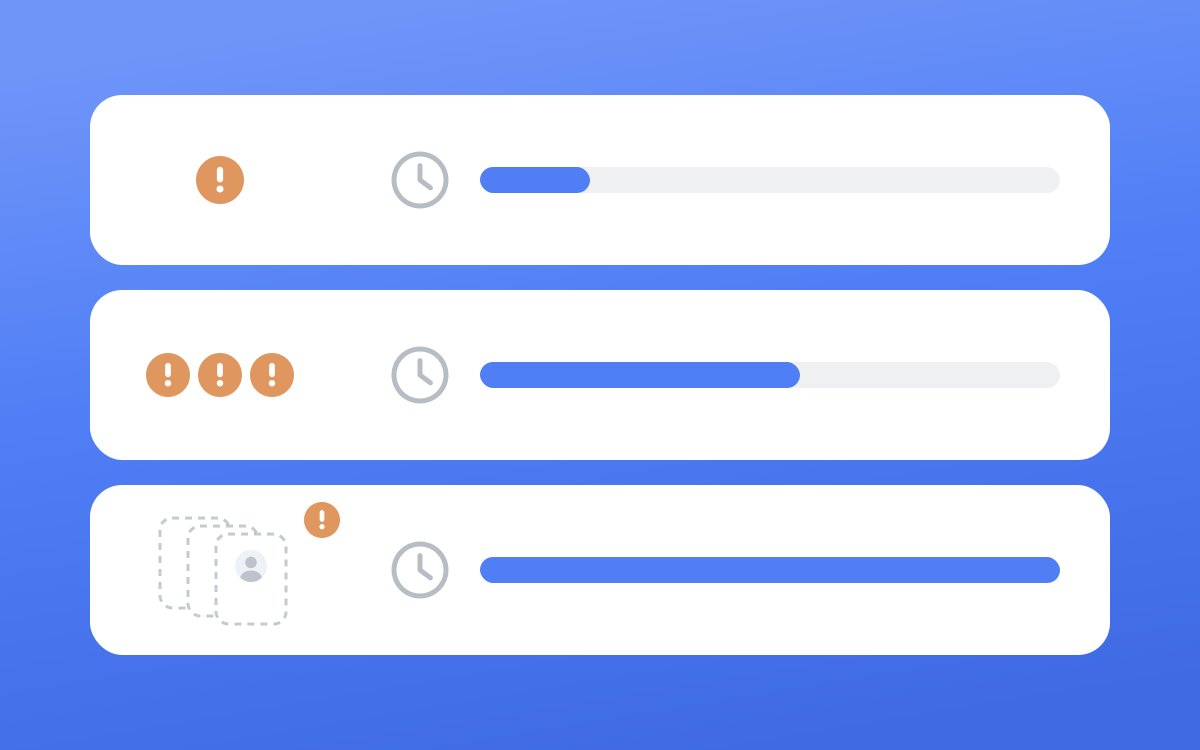
Two lines from the invitation page are worth knowing before you email anyone. "Most restrictions will automatically be removed within one week", and "LinkedIn won't be able to remove invitation restrictions upon request." Asking Support won't make it lift sooner.
When it does lift, don't pick up where you left off:
- Uninstall extensions and pause any tool that acts on the account.
- Withdraw invites that have been pending for weeks. Remember a withdrawn invite can't go to the same person again for up to three weeks, so only withdraw the ones you've given up on.
- Restart below your old pace, with gaps of several minutes and working hours only.
- Fix the list before you raise the volume. If people ignored your invites, sending fewer of them to the same kind of people gets the same result.
If the list is the real problem, start with the targeting and the offer before the sending. The whole system, from profile to lead list to first message, is in how to get clients on LinkedIn.
Frequently asked questions#
Is LinkedIn automation illegal?#
For most people it's a contract problem. Automation breaks the User Agreement you accepted, and the usual consequence is a restricted or closed account. LinkedIn's automated activity page (opens in a new tab) also says tools that scrape or export data "may be a violation of privacy legislation in specific jurisdictions." If you're weighing legal risk for a business, ask a lawyer where you operate.
What is the safest LinkedIn automation tool?#
LinkedIn approves none of them, so "safest" really means least likely to be caught for now. If you use one anyway, look for daily caps you can't raise, random gaps between actions, sending limited to working hours, and a review step before anything goes out. Those are the same controls as in the pacing table above.
How many connection requests per week is safe?#
LinkedIn doesn't publish a number. We cap each account at 15 a day on weekdays, which is 75 a week at most, spaced 3 to 7 minutes apart. Who you invite matters as much as how many, because ignored and pending invites are one of LinkedIn's named reasons for restricting an account.
Can LinkedIn detect automation tools?#
LinkedIn says it is "constantly working to improve our technical measures and defenses against the operation of scraping, automation, and other tools," and warns that prohibited tools "may become non-operational without notice" (source (opens in a new tab)). It doesn't say how. Assume a tool that works quietly today may not next month.
Why was my account restricted when I don't use any tools?#
LinkedIn looks at behaviour, whatever produces it. Its restricted action message (opens in a new tab) page says the User Agreement prohibits "automated or manual means of systematically viewing pages", so clicking through hundreds of profiles by hand can trip the same limit. A burst of invites, or a pile of ignored ones, can do it too.