LinkedIn connection request message: note or no note?
Blank invites get accepted slightly more often in two large datasets. Here is when a note still earns its place, and what to write in it.

Founder of Blen9 min read
On this page
For a cold sales invite, send the connection request without a note and save your introduction for the first message after they accept. Two large outreach datasets both found that blank requests get accepted slightly more often than requests with a note. Add a note only when you have a reason the other person will recognise straight away: you met, someone introduced you, or you are answering something they wrote.
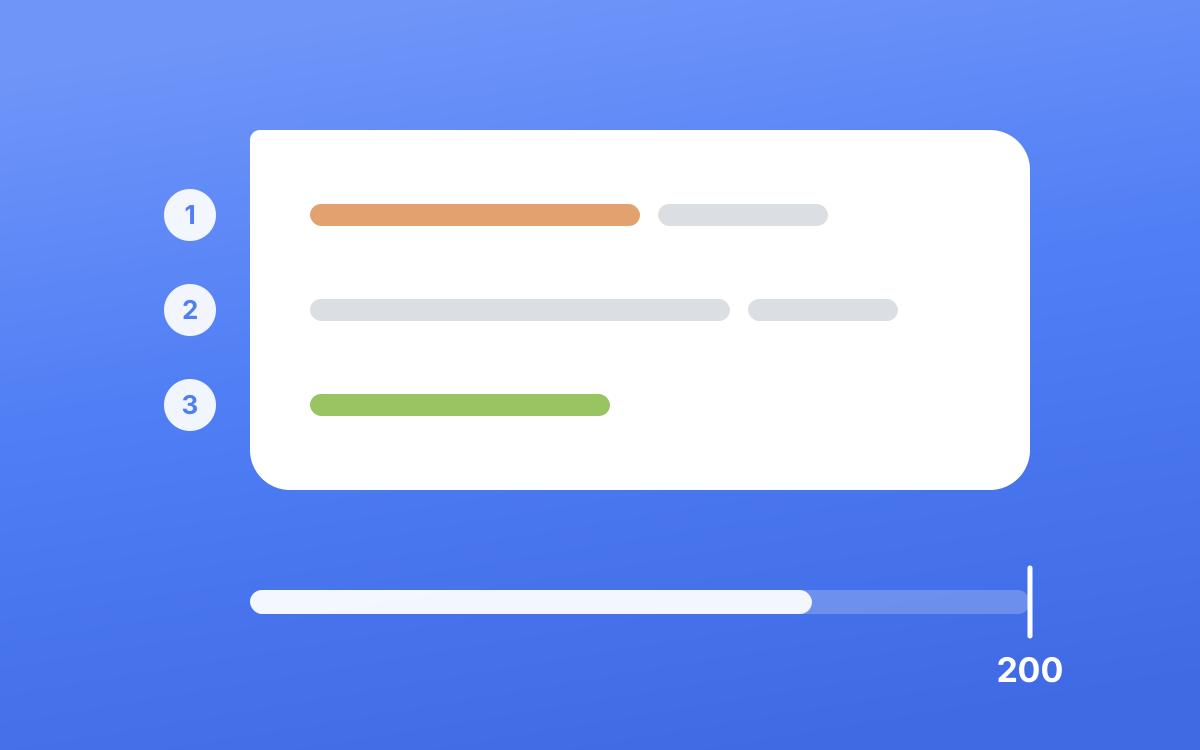
If you do write one, keep it under 200 characters, lead with that shared context, and leave the pitch out.
Note or no note: what the data says#
LinkedIn's own help page (opens in a new tab) says a note helps you "stand out from generic requests". Two large public datasets compare notes against blank requests directly, and on acceptance they both point the other way.
| Dataset | Accepted with a note | Accepted with no note | Replies with a note | Replies with no note |
|---|---|---|---|---|
| Belkins (opens in a new tab), 11.5 million requests sent in 2025 | 25.3% | 27.6% | 8.2% | 5.3% |
| Waalaxy (opens in a new tab), 64 million campaigns | 32.3% | 34.3% | 15% | 20% |
Both come from companies that sell outreach, so treat the exact numbers loosely. What matters is where they agree and where they don't.
Where they agree#
A blank request gets accepted a little more often, by about two points in both sets. The gap is small, but it runs the same way in both. A note gives people something to judge before they click Accept, and a cold note usually reads like the start of a pitch.
Where they disagree#
On replies, they point in opposite directions. Belkins found people who accepted a noted request replied more (8.2% against 5.3%) and reads the note as a soft filter: whoever accepts it already knows what the conversation is about. Waalaxy found blank requests got more responses too (20% against 15%).
So nobody can honestly promise you more replies from a note. For cold prospects, the data says a note costs you a few acceptances and its effect on replies could go either way.
Why we send ours blank#
At Blen we send connection requests from our clients' own accounts every weekday, and they go out with no note.
- Acceptance is the filter. Someone who accepts has already said yes to hearing from you. That is the moment to introduce yourself, in a message with room to be specific.
- 200 characters pushes you towards a pitch. Squeeze "who I am" and "why I'm here" into a note and it turns into a sales line. LinkedIn's Professional Community Policies (opens in a new tab) say "Do not use our invitation feature to send promotional messages to people you don't know or to otherwise spam people."
- Free accounts barely get any notes. More on that below.
When a note is worth adding#
A note works when it points at something the other person already knows about. Without that, it is just a cold message in a smaller box. Add one when:
- You have met or spoken, at an event, on a call or in a meeting. The note reminds them who you are.
- Someone suggested you connect. Name the person who did, because that name is the reason they accept.
- You are responding to their work, like a post, a talk or a podcast episode. Mention the specific point they made.
- They engaged with you first, with a comment on your post or a reply in a group thread.
- You already have a thread going elsewhere, because you emailed them or a colleague did.
- You are reconnecting with an old colleague, a former client or someone you studied with.
For everyone else, including senior buyers you have never interacted with, send it blank. A clean request from someone whose profile looks relevant is easier for a busy CEO to accept than a note that asks for their time.
Who you invite matters more than what you write. Someone who clearly fits what you do is likely to accept either way. If your acceptance rate is low, look at who you are inviting before you rewrite anything.
The limits: characters and how many notes you get#
LinkedIn's own Help Center gives two different answers for free accounts.
| Account | Personalised notes | Characters per note | Source |
|---|---|---|---|
| Free | Up to three a month | Up to 200 | LinkedIn Help, a563153 (opens in a new tab) |
| Free | Up to five | 200 | LinkedIn Help, a6239760 (opens in a new tab) |
| Premium | Unlimited | 300 | LinkedIn Help, a6239760 (opens in a new tab) |
The first page says free members can add "a personalized message to up to three connection requests per month". The second says "up to five personalized invitations". Plan for three and you won't be surprised.
Two practical rules follow. Write every note to fit in 200 characters, so it works on any account. And on a free account, spend your few notes on the people where a note helps, like someone you met last week, not on cold prospects.
How many invites you can send#
LinkedIn doesn't publish a weekly invite number, so treat any "100 a week" rule you read online as a guess. What LinkedIn does publish is why it restricts invitations. Its help page on invitation restrictions (opens in a new tab) lists two reasons: "You've sent many invitations within a short amount of time" and "Many of your invitations have been ignored, left pending, or marked as spam by the recipients." It also warns that if you send an excessive number and LinkedIn suspects an automation tool, it "may suspend or restrict your account."
That second reason is where notes can hurt you. A cold note that reads like spam gets ignored or reported, and that counts against you.
The pace we run on client accounts is deliberately slow: no more than 15 to 20 invites a day, several minutes apart, during working hours. Invites still pending after 21 days get withdrawn a few at a time rather than all at once. Keep in mind that after you withdraw an invite, LinkedIn says you "won't be able to resend an invite to the same recipient for up to three weeks." There is more on safe pacing in is LinkedIn automation safe.
How to write a note that gets accepted#
A good note has three parts and fits comfortably inside 200 characters.
- The shared context, first. Where you met, who introduced you, or the specific thing they said. This is the reason they will accept, so it goes in the opening words.
- One short line on why you are connecting. Leave your offer out of it.
- A plain close. "Would be good to stay in touch." "Happy to connect." No question that needs an answer.
Use their first name. Skip "Dear", skip your job title, and never leave a template placeholder like {first_name} in the text.
LinkedIn connection request message examples#
Each one is written for a specific situation. Change the details to your own, and keep the length. The character count is next to each so you know it fits a free account.
After an event or talk#
Hi Priya, I was at your talk on pricing at the SaaS founders meetup on Tuesday. The part about dropping annual discounts stuck with me. Would be good to stay in touch.
167 characters. The specific detail proves you were there.
After a call or meeting#
Hi James, thanks for the time on the call this morning. Connecting here so you have my details when you're ready to look at the proposal.
137 characters.
When a mutual contact suggested it#
Hi Tom, Sarah Okafor suggested I reach out, as we both work with logistics founders in Rotterdam. Happy to connect.
115 characters. Only use a name if that person really did suggest it. They may ask.
Responding to their post#
Hi Dana, your post on hiring a first salesperson after founder-led sales matched what I saw at my last company almost exactly. Would be glad to connect.
152 characters. It names the exact point, which shows you read it.
They engaged with you first#
Hi Marco, thanks for the comment on my post about referral pipelines. Would be good to keep in touch.
101 characters.
Reconnecting with an old colleague#
Hi Aisha, we worked together on the Leeds rollout about six years ago. I've just started my own consultancy and would love to reconnect.
136 characters.
You already emailed them#
Hi Lena, I emailed you last week about the analytics project. Connecting here as well in case LinkedIn is easier for you.
121 characters. Send this once, and don't repeat the pitch from the email.
A group you are both in#
Hi Ravi, we're both in a B2B SaaS operators group and I liked your answer on churn reporting. Would be good to connect.
119 characters.
A cold prospect you have never interacted with#
No note. Send the request blank and write your introduction as the first message once they accept.
What not to write in a connection request#
These are the notes that get ignored, and ignored invites are one of the things LinkedIn restricts for.
- A pitch. "I help SaaS founders double their pipeline" is an ad, and LinkedIn's policies say invites aren't for promotion.
- A calendar link or any link. A link from a stranger in an invite looks like spam.
- A request for their time. "Open to a quick 15-minute chat?" asks for a favour before they know you.
- Fake common ground. "I see we're both in tech" describes millions of people and reads as automated.
- Empty flattery. "Your profile really impressed me" says nothing about why you are connecting.
- A made-up connection. Claiming you met, or naming a mutual who never mentioned you, can get you reported as someone they don't know.
- The default filler. "I'd like to add you to my professional network" adds nothing a blank request doesn't.
What happens after they accept#
Once they accept, send a first message that fits what they gave you. If they said nothing, open with your short introduction. If they wrote a greeting, greet them back. If they wrote a real note, answer that first, then carry on. We cover this in detail in the first message after they accept, and the whole sequence from invite to reply is in LinkedIn outreach messages that start real conversations.
One more check before any batch goes out: take out anyone you are already connected to. Lead lists often pull in people you know, and a cold opener to an existing contact reads badly.
This is how we run outreach for our clients at Blen. The invites go out blank from their own account at a steady pace, and a person approves every first message before it is sent.
Frequently asked questions#
What is the character limit for a LinkedIn connection request message?#
200 characters on a free account and 300 on Premium, according to LinkedIn's Help Center (opens in a new tab). Write to 200 so the same note works on either. Every example in this post lands between 100 and 170.
How many personalised connection requests can you send on a free account?#
LinkedIn says two different things. One Help page says up to three a month, another says up to five. Premium members get unlimited notes, though LinkedIn adds that connection request limits may still apply.
Is it rude to send a connection request without a note?#
No. LinkedIn makes the note optional, and both large datasets above show blank requests get accepted slightly more often. What matters more is that your profile makes it obvious who you are and why you might be relevant. A strong founder profile does the job a note would.
How many connection requests can you send per week?#
LinkedIn doesn't publish a number. It restricts accounts that send many invitations in a short time, or whose invitations are often ignored, left pending or marked as spam. A slow, steady pace with a well-targeted list is the safe approach, and most restrictions lift within a week according to LinkedIn.