How to get clients on LinkedIn: 7 steps in the right order
Profile, lead list, invite, first message, two follow-ups, replies, and posts that warm it all up. The order matters more than any single tactic.

Founder of Blen12 min read
On this page
You get clients on LinkedIn by running a short chain in a fixed order. Fix your profile, build a list of real buyers, send them connection requests, introduce yourself once they accept, follow up twice, answer replies the same day, and post every week so the people on your list recognise your name.
The usual mistake is doing one piece on its own: posting for months with no list, or pitching strangers from a profile that doesn't say what you do. Each step works because of the one before it, so here they are in order, with the rules we run on.
The whole system at a glance#
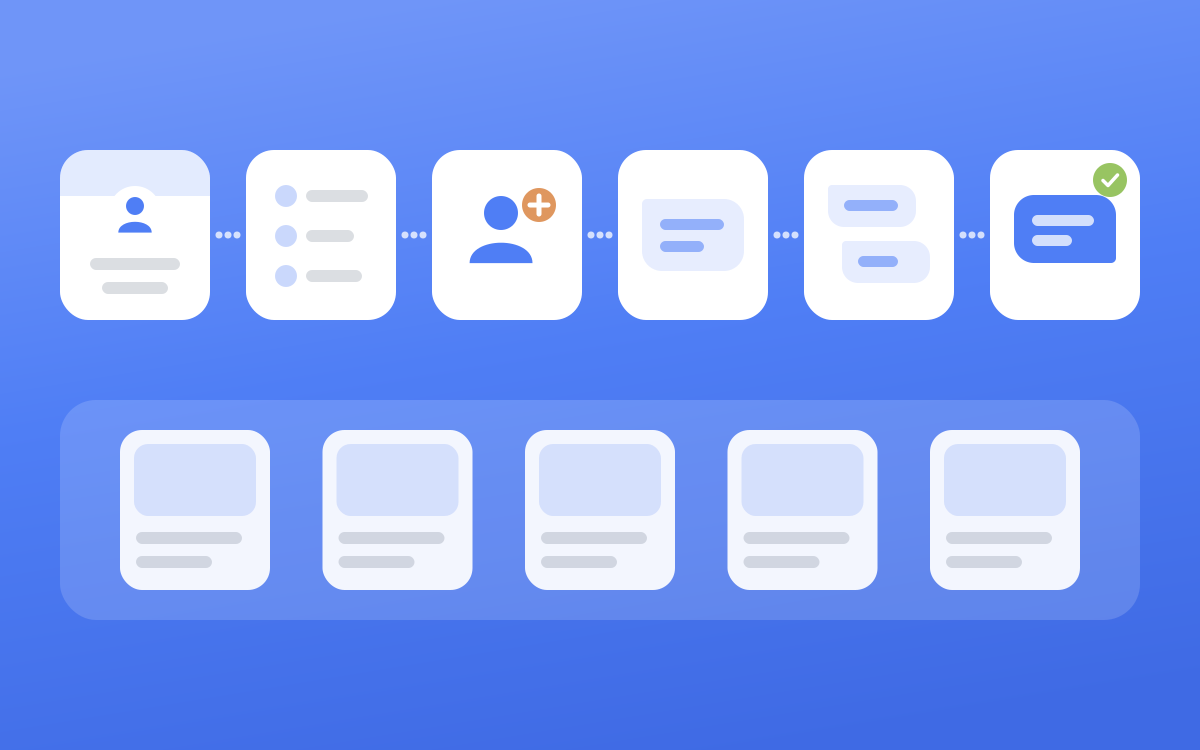
| Step | Its job | The rule we run on |
|---|---|---|
| 1. Profile | Turns a visit into a yes | Headline says who you help and how |
| 2. Lead list | Decides who hears from you | One buyer type per list |
| 3. Connection requests | Opens the door | No note, 15 to 20 a day, working hours |
| 4. First message | Starts a conversation | Introduce yourself, one soft ask, no pitch |
| 5. Follow-ups | Catches the busy ones | Two of them, then stop |
| 6. Replies | Turns interest into a call | Same day, move to email |
| 7. Posts | Makes your name familiar | Start in week one, post every week |
Step 1: Fix your profile before you invite anyone#
When someone gets your request, your photo and headline are what they judge you on. If they click through, your banner and About come next.
Headline#
Say who you help and what changes for them, then your role. A formula that works for most founders and consultants:
- I help [who] [get what result] | Founder, [Company]
- [What you do] for [who] | [one proof point]
A title on its own ("Founder & CEO at [Company]") tells a buyer nothing about why they should accept. There's a longer list of formulas in our guide to LinkedIn headlines for founders.
Banner, About and Featured#
When we rewrite a profile, the banner gets one tagline, one row of real logos from clients or press, an optional call to action, and your photo on the other half.
The About section stays short. Our default runs to about 90 words: one line on what you do, results written as numbers, a short "if you're looking for" list in the reader's terms, and one call to action in words.
Keep links out of the About. Put them in Featured instead, as two to four tiles that each do one real thing, like booking a call or showing a case study. The full checklist is in LinkedIn profile optimization for founders.
Step 2: Write down exactly who you're targeting#
A vague list ruins everything after it. A good first message sent to the wrong person still gets ignored, and ignored invites are one of the things LinkedIn restricts accounts for (more on that in step 3).
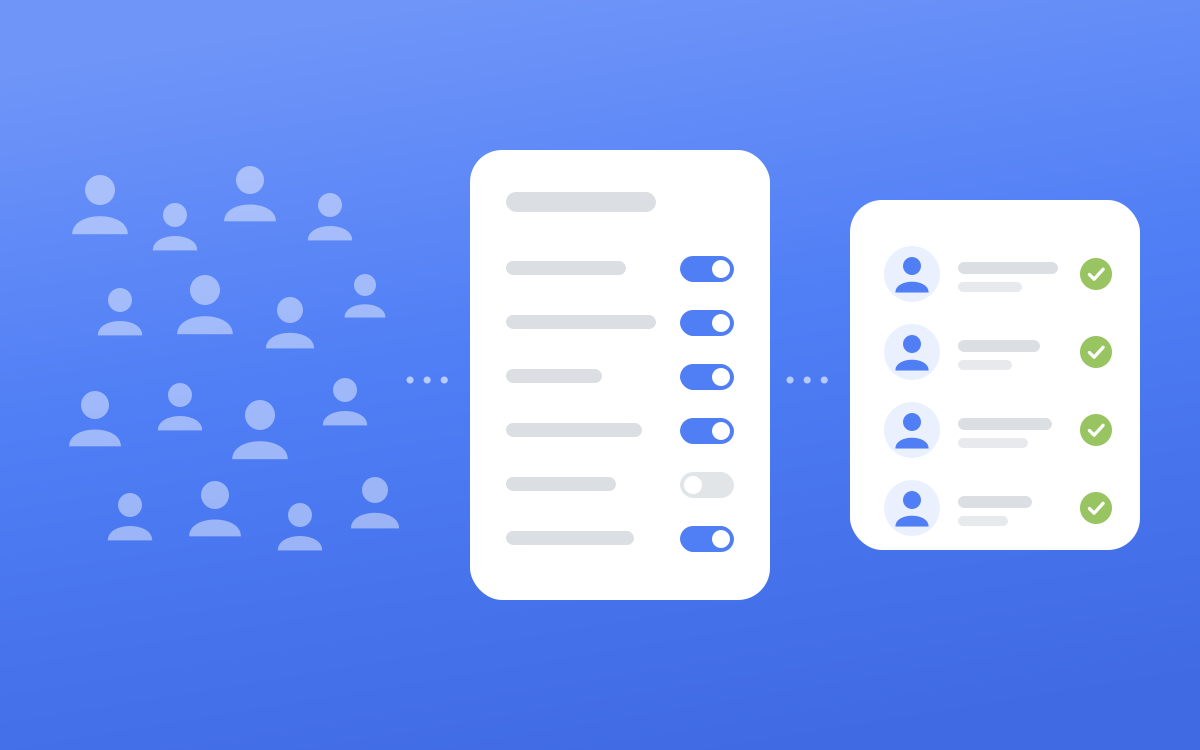
Before you build a list, write a one-page lead list thesis. It's the filter set you'd load into a search, decided line by line.
One buyer type per list#
If you sell to mid-sized manufacturers and to government agencies, that's two lists. Their titles, industries and company sizes contradict each other, so a single search that tries to hold both is really neither.
The filters most people skip#
Title and geography are where most lists stop. These are the ones that make the difference:
- Years of experience. Titles lie. A 26-year-old "Head of Innovation" at a 15-person startup passes a title search. "6 to 10 years" or "more than 10 years" gets you people with real authority.
- Years in current position and years in current company. Someone three months into a role is rarely ready to buy. Long in the company but new in the seat usually means a recent promotion, and that person is often the best one to talk to.
- Posted on LinkedIn. Sales Navigator lets you keep only people who have posted in the last 30 days (opens in a new tab). That cuts dormant accounts that may never see your request, and we only skip it when the pool is too thin to afford it.
- Profile language. If the region isn't English-speaking, match the language you'll write in.
One trap: "changed jobs in the last 90 days" and a minimum time in the current position cancel each other out. Pick one. A tenure list gets you settled people who own the problem, and a movers list gets you a fresh mandate with a fresh budget. If you want both, build two lists.
A thesis you can copy#
Who: [one sentence on the person, one on why they buy]

The company
- Industry: [the exact, specific LinkedIn industries]
- Company headcount: [bands]
- Company HQ location: [countries]

The person
- Current job title: [real titles, including local-language versions]
- Seniority level: [levels]
- Geography: [countries]
- Years of experience: [bands]
- Years in current company: [bands]
- Years in current position: [bands]
- Profile language: [languages]
- Keywords: [Boolean string, or None]
- Posted on LinkedIn: [Last 30 days, or None]
Check every name before it goes on the list#
Filters get you close. Then read the profiles and hold two hard lines: never add a competitor, and never add someone who plainly can't buy what you sell. Everything in between goes on the list. A borderline person who ignores you costs one message, and a good buyer you filtered out costs you the deal.
Also remove anyone you're already connected to. A cold introduction to someone who knows you reads badly. The filters themselves are covered in depth in our Sales Navigator filters guide.
Step 3: Send connection requests at a human pace#
We send connection requests without a note. Two large datasets from outreach vendors point the same way on acceptance:
| Dataset | Accepted, no note | Accepted, with note | Replied, no note | Replied, with note |
|---|---|---|---|---|
| Belkins, 11.5 million requests (opens in a new tab) | 27.6% | 25.3% | 5.3% | 8.2% |
| Waalaxy, 64 million campaigns (opens in a new tab) | 34.3% | 32.3% | 20% | 15% |
Blank requests got accepted slightly more often in both. On replies they disagree, so we leave the note off and put the introduction in the first message, where there's room for more than 200 characters.
Free accounts can't write many notes anyway. LinkedIn's own Help Center says three personalised requests a month (opens in a new tab) on one page and five (opens in a new tab) on another. Our connection request message guide covers when a note is worth it.
Pace and account safety#
LinkedIn restricts invitations when you've sent many in a short time, or when many of your invitations have been ignored, left pending, or marked as spam (opens in a new tab). The same page says it may suspend or restrict an account if it suspects an automation tool is behind an excessive number of invitations. It doesn't publish a number.
That makes a tight list of likely buyers a safety measure in its own right. On top of it, these are the limits we hold every account to.
| Rule | What we do |
|---|---|
| Connection requests | 15 to 20 a day at most |
| Gap between requests | 3 to 7 minutes, varied |
| Messages | About 15 first messages and 20 follow-ups a day at most |
| When | The account owner's working hours only |
| Old requests | Withdraw anything still pending after 21 days |
| A warning from LinkedIn | Stop everything on that account |
The detail on restrictions and what to do if you get one is in is LinkedIn automation safe.
Step 4: Write a first message that introduces you#
Someone who just accepted doesn't know who you are. Tell them briefly and ask one easy question. The pitch and the link can wait.
This is the shape every first message we write follows. It runs 60 to 110 words, with each beat on its own line.
[First name],

Thanks for connecting.

I thought I'd briefly introduce myself.

I'm the founder of [Company], where we help [who] [do what].

So far, [one real proof point].

Given what you're working on at [their company], I think there's some overlap, and it would be worthwhile to connect properly.

Open to a brief call sometime this or next week?

[Your name]
These are the mistakes we cut from drafts most often.
- Opening with a question and no introduction. A stranger doesn't know who is asking.
- A vague identity ("I spend my time on the growth side of B2B"). Say your role and your company.
- More than one proof line, or any line about their inbox being busy.
- Exclamation marks, "love", "excited", or anything that sounds like a template trying to sound warm.
Match their effort#
Some people accept in silence. Some wave, some write a line, some write three. Your opening should be in proportion to what they sent.
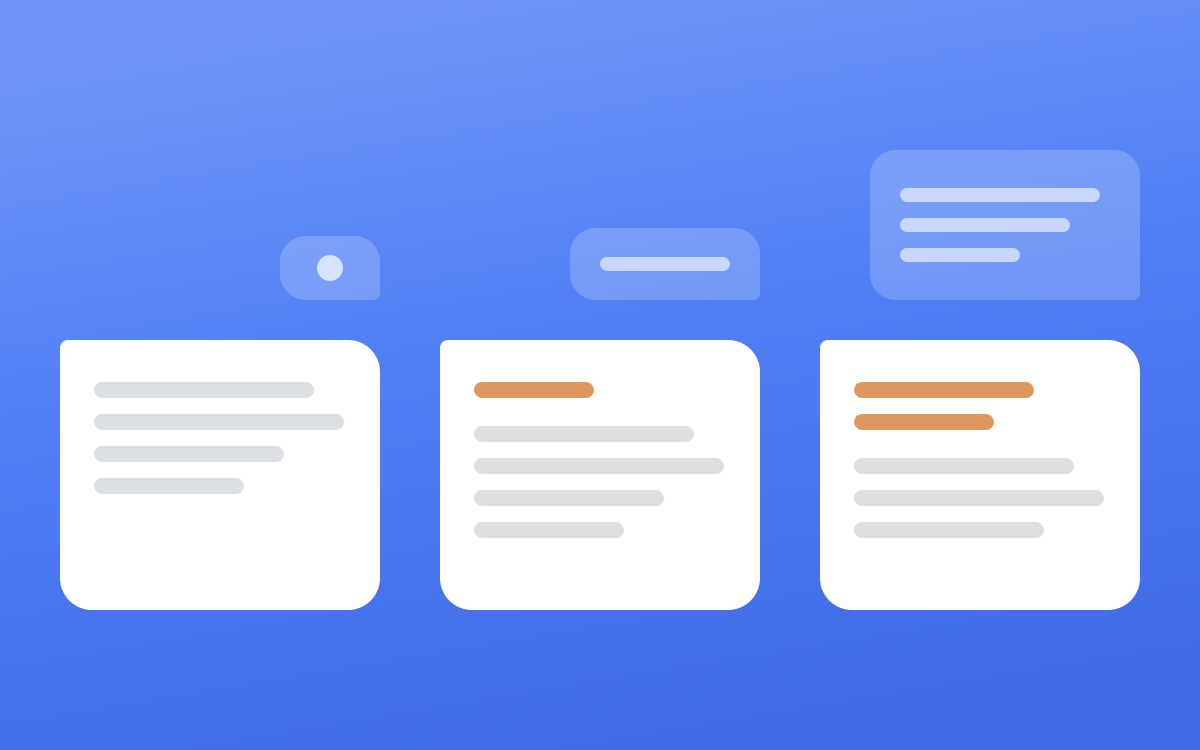
- Nothing, an emoji or a wave. There's nothing to acknowledge. Send the message as written.
- A greeting in words ("Great to connect"). One short greeting back in place of your opener, like "Good to be connected too."
- A real note (a question, a line about their work, a joke). Answer that first, specifically, in one or two sentences. Then the message.
Someone who wrote three thoughtful lines and gets a pasted template feels ignored. The first message after they accept gets its own guide: what to send after they accept.
Step 5: Follow up twice, then stop#
A short follow-up catches the people who saw your message at a bad moment. Two is enough.
- Follow-up 1, 3 days after the first message, if no reply. One line that makes saying yes cheaper. "Just following up on this. Would a quick 20 minute call work?"
- Follow-up 2, 7 days after that, and the last one. A gracious close. "No worries if the timing isn't right. Happy to pick this up another time."
We've seen that last message earn a reply months later, because it leaves the door open without pressure, and it's the last thing we send.
A reaction isn't a reply. If someone sends a thumbs up or "thanks", they stay in the sequence and the next follow-up goes out as planned. If they say anything with substance, they leave the follow-up sequence for good. Sending "just checking in" to someone who already answered you is how you lose a warm lead. Templates for each step of the sequence are in LinkedIn outreach messages and LinkedIn follow-up messages.
Step 6: Answer replies the same day and move to email#
A reply is the whole point of the chain, and it's where the funnel leaks most, as the numbers further down show. Read the actual conversation before you write anything. A tracker or spreadsheet drifts, and we've seen a status say a first message went out while the thread was empty.
| They wrote | What it means | What you send |
|---|---|---|
| A thumbs up, "thanks", a wave | Politeness | Nothing new. The next follow-up goes out on schedule |
| "Sure, happy to chat" | Interest | Ask for their email and take it from there |
| A real question or opinion | They're engaged | Answer it in a line or two, then make the ask |
| "Not right now" | A soft no | One gracious line, then stop |
| "I'm not the right person" | Not a lead | Close it, or ask who is, once |
For a yes, keep the hand-off simple:
Good to hear, [First name]. What's the best email for you? I'll follow up from there to set up a quick call.
Skip the calendar link and the list of times. Get the email, then run your normal sales process.
One more case. If someone messages you first right after accepting, that's a reply. Answer what they said instead of sending your first-message template.
Step 7: Post every week so your list knows your name#
Outreach asks a stranger to trust you, and posts make you less of a stranger. In the 2024 Edelman and LinkedIn thought leadership report (opens in a new tab), 9 in 10 decision-makers and C-suite execs said they were moderately or very likely to be more receptive to sales or marketing outreach from a company that consistently produces high-quality thought leadership.
Start in the same week you start sending requests, so anyone who checks your profile after accepting finds recent posts in your activity.
What to post and how often#
- One idea per post, taken from your own work, like a decision you made or a number from a client project.
- Write about the problems the people on your list pay to fix. Likes from other consultants feel good and buy nothing.
- Post more than once a week if you can. Buffer's analysis of more than 2 million posts (opens in a new tab) found that posting 2 to 5 times a week, compared with once a week, added 1,182 impressions per post.
- Skip the engagement bait. LinkedIn's spam policy (opens in a new tab) names content "requesting likes, reactions, and shares".
The hard part is having something worth saying every week. We interview our clients once a month and write the posts from their answers, which is how one client reached 1.5M impressions in 90 days. Reach on its own pays nothing, so treat posts as the warm-up for the list and the messages as what turns it into calls.
For the planning side, read our LinkedIn content strategy for founders. If you draft with AI, write LinkedIn posts with AI that sound human covers what gives it away. And if your posts get no reach at all, start with why posts die before "see more".
Know which step is breaking#
Belkins published the funnel from its own campaigns: 18.7% of invited prospects accepted, 17.6% of those connected replied, and 1.3% of connected prospects booked a meeting (opens in a new tab). Here's what that looks like per 1,000 requests.
| Stage | Belkins benchmark | Out of 1,000 requests |
|---|---|---|
| Accepted | 18.7% of invited | 187 |
| Replied | 17.6% of connected | 33 |
| Booked a meeting | 1.3% of connected | about 2 |
Fewer than 1 in 10 of the people who replied went on to book a meeting, which is why step 6 matters so much. The same study found founders and owners reply less than most other groups, at 6.4%, so if you sell to founders your list has to be tighter still.
Track your own numbers at each stage and fix the one that's furthest off.
| What you see | Where it breaks | What to fix |
|---|---|---|
| Few people accept | List or profile | Add years of experience and posted in the last 30 days, rewrite the headline |
| They accept, nobody replies | First message | Introduce yourself properly, one soft ask, cut the pitch |
| Replies, but no calls | Reply handling | Answer the same day, ask for an email, drop the calendar link |
| A warning from LinkedIn | Pace or list | Stop, withdraw old requests, slow down, tighten the list |
| Posts get likes, never from buyers | Post topics | Write about the problems your buyers pay to fix |
This is the chain Blen runs for more than 100 founders, from each client's own account, with a person approving every message before it goes.
Frequently asked questions#
Can you really get clients on LinkedIn?#
Yes, if the people who buy what you sell are active there and you run the whole chain. Posting on its own waits for the right people to find you, and outreach on its own asks strangers to trust a name they've never seen. Run together from a tight list, each covers the other's gap.
How long does it take to get clients from LinkedIn?#
One person's sequence runs from about 10 days to a month. A request can sit pending for up to 21 days before we withdraw it, the first message goes out when they accept, and the follow-ups come 3 days and then 7 days later. After a call, it's your normal sales cycle. Posts take longer to build up, so start them in week one.
Do I need Sales Navigator to find clients on LinkedIn?#
It makes a tight list much easier. Filters like years in current position and posted on LinkedIn in the last 30 days are Sales Navigator lead filters (opens in a new tab). If your market is small enough to name the companies by hand, you can start without it.
How do I turn my existing LinkedIn connections into clients?#
Check them against your lead list thesis first and pick out the real fits. Write to those people personally, about their work, because a cold template reads wrong to someone who already knows you. Then keep posting, so you stay in view when the need comes up.