LinkedIn hooks that get the 'see more' click, with examples
Your post lives or dies in its first 140 characters. Six hook types with examples, the length data, and the checklist we run on every post.

Founder of BlenUpdated 12 min read
On this page
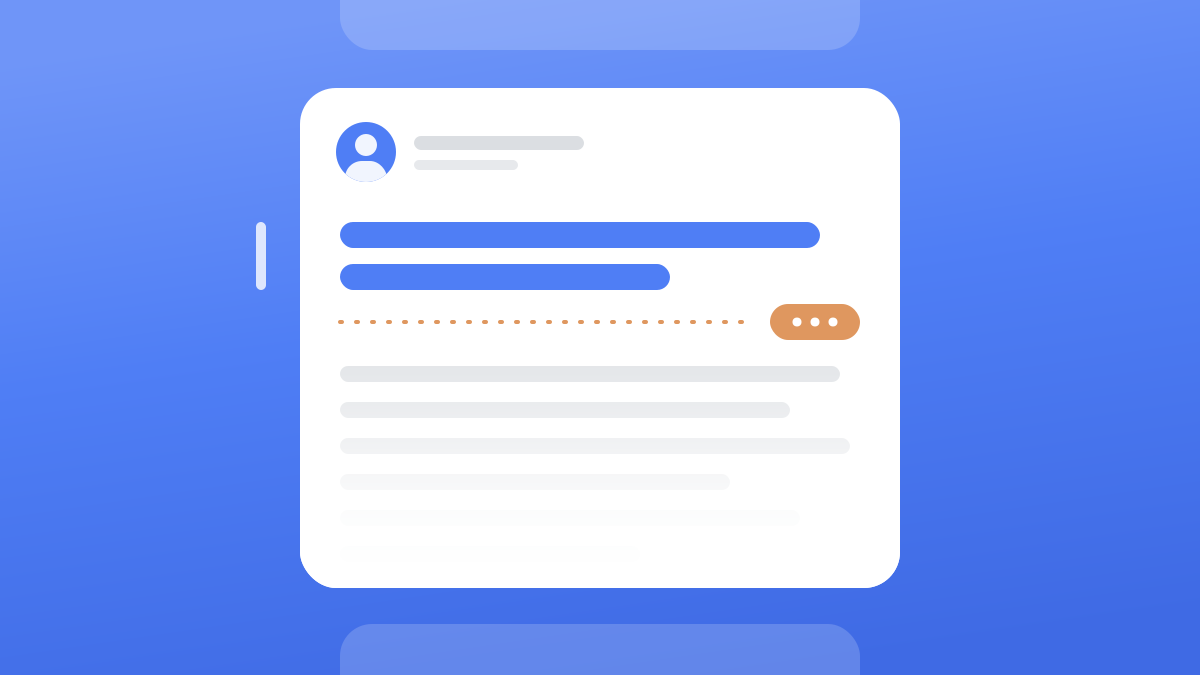
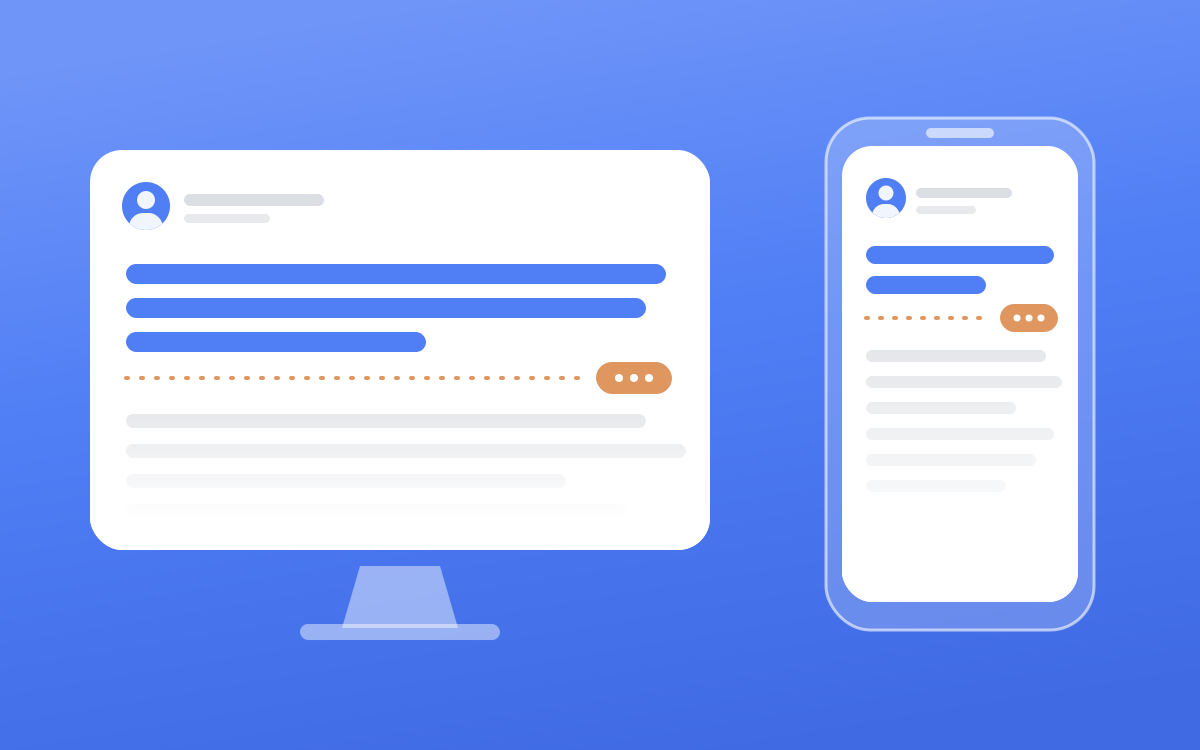
A LinkedIn hook is the first line or two of your post, the only part anyone sees before the feed hides the rest behind "see more". That space is roughly 140 characters on a phone and 210 on desktop, so a good hook is one short, specific line that makes a stranger want to read line three.
If the best part of your post sits below that cut, most people never see it. Below are the numbers, six hook types with examples you can adapt, how long the rest of the post should be, and the checklist we run on every post we write for founders.
How much of your post shows before "see more"#
LinkedIn doesn't publish the cut-off point. It only publishes the ceiling, and a post can be up to 3,000 characters (opens in a new tab). The fold itself has been measured by tool makers, and AuthoredUp puts it at roughly 210 characters on desktop and 140 on mobile (opens in a new tab).
| Where the post is read | What shows before "see more" |
|---|---|
| Phone | About 140 characters |
| Desktop | About 210 characters |
| Whole post (hard limit) | 3,000 characters |
Write for the phone number. A hook that fits in 140 characters lands on both screens, while one that needs 210 gets cut in half for everyone scrolling on their phone.
Treat the counts as a guide, because screen width and line breaks move the cut a little. The reliable test is to open your post on your own phone right after it goes live, and if the cut lands mid-sentence, edit line one.
What a hook has to do#
A hook has one job, which is to make someone who doesn't know you choose line three over the next post in their feed. That choice matters beyond the one post, because LinkedIn's engineering team says (opens in a new tab) its feed looks at what each member has "read, liked, commented on, returned back to, or simply scrolled past."
In the posts we write for founders, a hook earns the click in one of three ways.
- It breaks a pattern by saying the opposite of what the reader expects to hear.
- It opens a gap that the next few lines close.
- It names the reader's pain in the words they would use themselves.
The best hooks read like something a person would say out loud to a colleague. Polished corporate lines read like ads, and people have had years of practice scrolling past ads.
Good hooks also open on something concrete, like a number, a name, a date, a place or a sharp claim. "My first sales call as a founder lasted 6 minutes" pulls harder than "Sales is hard when you're starting out", because the first one has a picture in it.
6 LinkedIn hook types, with examples#
AuthoredUp sorted 309,614 posts from personal profiles (opens in a new tab), published between December 2025 and May 2026, by the style of their first line. The spread is small, but the order is clear.
| Hook style | Median engagement rate |
|---|---|
| Story | 2.60% |
| Contrarian | 2.31% |
| Statement | 2.27% |
| Result | 2.19% |
| Question | 2.16% |
Openers that drop the reader into a scene or push against common advice came out on top, and the question, which is the hook most guides recommend, came last.
Here are the six types we use. The examples are written for founders and consultants, so swap in your own facts, because a hook with a made-up number is worse than a plain one.
1. The story hook#
Start in the middle of a moment, with no setup and no "let me tell you about the time".
- "We lost our biggest client on a Monday. By Friday we'd rebuilt the offer."
- "My first sales call as a founder lasted 6 minutes."
- "I read our churn emails on a flight and closed the laptop halfway through."
Use it when you have a real moment with a turn in it. The body tells what happened next and what you took from it.
2. The contrarian hook#
Say the opposite of the advice your reader keeps hearing, and mean it.
- "Stop sending proposals after the first call."
- "Discounts lose more deals than they win."
- "Your niche is probably still too wide."
Use it when the body can back the view with your own experience. A contrarian line you can't defend reads as a stunt.
3. The statement hook#
A flat, specific claim with no windup. It was the most common style in AuthoredUp's sample by a distance (171,391 posts), probably because it suits almost any topic.
- "Consultants underprice their second project more than their first."
- "Referrals dry up the month you stop asking for them."
Use it when the claim is specific enough that a smart reader could disagree with it. If nobody could disagree, it's a platitude.
4. The result hook#
A number up front. AuthoredUp's own note on this style is that the format is so overused that readers discount it, so make the reason behind the number the real pull.
- "We cut our sales cycle from 90 days to 31. The change was one email."
- "Our proposal win rate doubled when the proposals got shorter."
Use it when the result is yours, the number is exact and the reason behind it is surprising.
5. The gap hook#
Open a loop the body closes, without asking a question.
- "The best hire we made this year never applied for the job."
- "One line in our onboarding email cut refund requests in half."
Use it when the payoff arrives within a few lines of the fold. A gap that takes 20 lines to close feels like a trick, and readers leave before it closes.
6. The pain hook#
Describe the reader's problem the way they'd describe it in a message to a friend.
- "Three great discovery calls this month and zero signed proposals."
- "You post every week and clients still say they didn't know you did that."
Use it when you know your buyer well enough to quote them. It suits lead generation well, because the people who stop scrolling for it are the people with that problem.
Why question hooks come last#
"What's the biggest mistake founders make with pricing?" gives the reader nothing yet. It asks them to think before you've given them a reason to care.
If your post really is built around a question, put the answer in the hook and let the body show the working. "The biggest pricing mistake founders make is quoting a number on the first call" does the same job and gives the reader something to agree or argue with.
How long a LinkedIn hook should be#
The same AuthoredUp study split hooks by length, and hooks of 40 characters or fewer earned a 2.61% median engagement rate (opens in a new tab), 25% higher than hooks over 200 characters. Every step in between fell in order.
| Hook length | Median engagement rate |
|---|---|
| 0 to 40 characters | 2.61% |
| 41 to 80 characters | 2.39% |
| 81 to 120 characters | 2.23% |
| 121 to 200 characters | 2.15% |
| Over 200 characters | 2.08% |
So aim for a first line under 80 characters that makes one complete claim and stops. When it needs context, put the sharp part on line one and the context on line two, like "My first sales call lasted 6 minutes" followed by "I talked for 5 of them."
Before and after: fixing weak hooks#
These are the patterns we rewrite most often. The rewrites use sample numbers, so use your own.
| Weak hook | Why it dies | Rewrite |
|---|---|---|
| "Thrilled to announce we've closed our seed round!" | Press release language that reads like every other funding announcement. | "38 investors said no to our seed round. The 3 who said yes asked the same question." |
| "In today's competitive market, founders need a personal brand." | An empty opener that nobody could disagree with. | "Two founders pitched me the same product last week. I only remember one of them." |
| "What's the biggest mistake you see in hiring?" | A question with nothing in it yet. | "The worst hire I ever made had the best interview." |
| "After a long process with our team and advisors, we decided to rethink our pricing, and the results surprised us." | 113 characters of setup, and the result lands below the fold on a phone. | "We doubled our prices and lost 2 clients. Revenue still went up." |
| "5 lessons from 10 years in consulting:" | A colon setup with no specific promise. | "I've written about 400 proposals in 10 years. The ones that won were all under 2 pages." |
How we write a hook#
This is the order we work in.
- Write the post first and the hook last. Once the body exists, its most surprising line is usually obvious.
- Pull that line up. Look for the concrete part, the number, name, date or claim a reader wouldn't expect.
- Pick the shape. We keep a library of hook patterns from posts that performed and match each post to one, copying the opening move and never the words.
- Cut it until the hook fits in about 140 characters, with line one ideally under 80.
- Make line two earn line three. Line one hints, and line two expands it or adds the contrast.
- Check the promise. If the hook mentions "one email", that email has to show up within a few lines after the fold.
- Vary the opening across posts. If your last three posts started on a number, start this one on a moment.
AI drafts tend to reach for the same few openers, so the hook is where they give themselves away first. If you use AI to write, write the hook yourself from a fact only you have.
How long should a LinkedIn post be#
Long enough to pay off the hook, and usually shorter than people think. AuthoredUp's analysis of 372,126 posts (opens in a new tab) from personal profiles (September 2025 to February 2026) gives the clearest picture we've seen.
| Post length (characters) | Median engagement rate | Median impressions |
|---|---|---|
| 1 to 400 | 2.10% | 575 |
| 401 to 700 | 2.24% | 825 |
| 701 to 1,000 | 2.31% | 964 |
| 1,001 to 1,300 | 2.44% | 1,046 |
| 1,301 to 2,000 | 2.61% | 1,106 |
| 2,001 to 2,500 | 2.67% | 1,174 |
| 2,501 to 3,000 | 2.62% | 1,400 |
Very short posts are the weakest band on both counts. Engagement climbs steadily up to the 1,301 to 2,000 band and then barely moves, so a 2,400-character post earns little more engagement than a 1,400-character one while asking a lot more of the reader.
Our house band is 1,200 to 1,500 characters, which is about 200 to 250 words and sits at the short end of where engagement peaks. That's room for one idea told properly and short enough that people finish it. When a draft runs long, it's usually carrying two ideas, and we cut the weaker one.
If you tag people or companies, leave room under the 3,000 limit. We budget an extra 40 characters for every tag when we check a post's length.
What keeps people reading after the click#
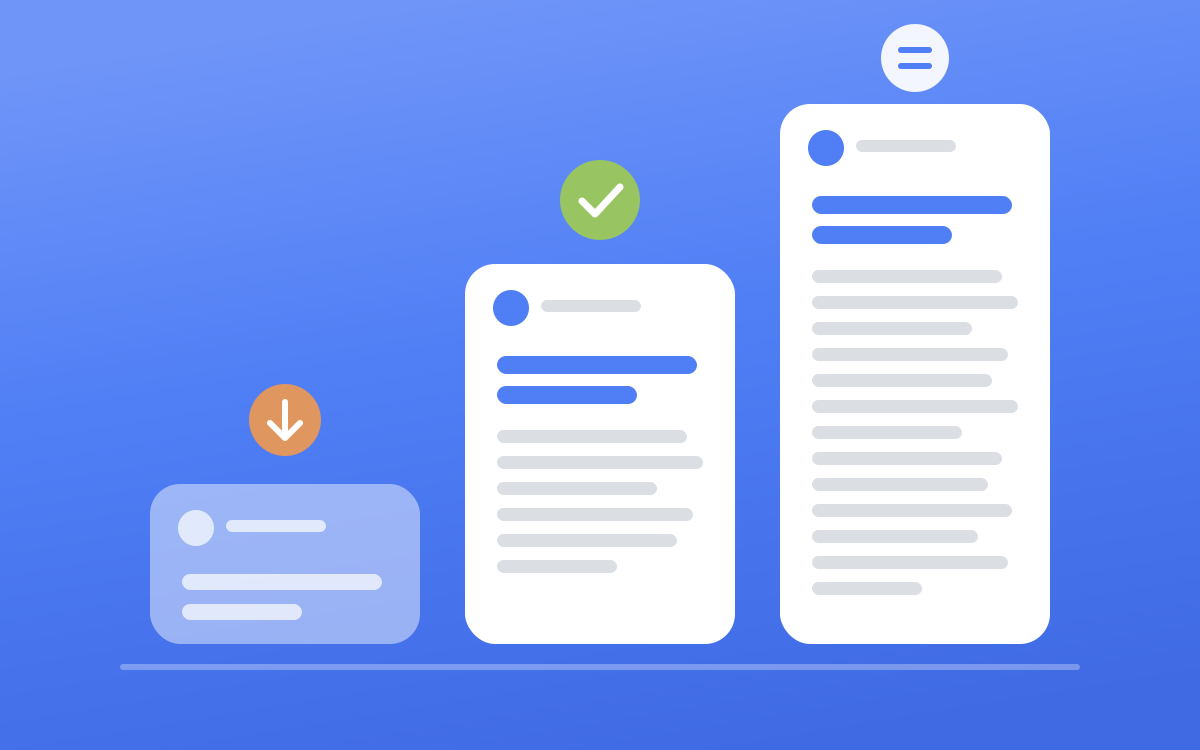
Getting past the fold is half the job. The rest of the post has to hold the people who clicked, and that comes from shape and substance.
- One idea per post. If two themes fight for the space, cut the weaker one.
- One thought per line, with a blank line between thoughts, so the post reads easily on a phone.
- Let the material pick the shape. A moment reads as a story, several lessons read as a numbered list, and one sharp point can stay short.
- Real numbers written as digits, and named lessons someone would save to find again.
- A close that lands a principle you believe, or a real question you want answered. "Agree?" isn't one.
What kills a post's reach#
- Engagement bait. LinkedIn's spam policy says it may remove or limit the distribution (opens in a new tab) of content designed to artificially increase engagement, including chain-letter posts "requesting likes, reactions, and shares". "Comment YES", "tag someone who needs this" and "like and follow for more" all fall into that bucket.
- Links in the post body. LinkedIn doesn't publish a number for this, and the figures passed around come from paid reports or studies with unclear methods. Our own rule is that if a link has to exist, it goes in the comments.
- Hashtag walls. We use hashtags only as topic labels, 3 at most, and most of the founders we write for use none.
- Strings of emoji. One or two as markers is plenty.
- Press release language, like "thrilled to announce", mission-statement lines and a long row of name tags.
- Text pasted from somewhere else. A newsletter intro or a thread from another platform reads out of place on LinkedIn until it's rewritten for it.
- A hook the body never pays off. People click, feel tricked and leave, and they're less likely to stop for your next post.
A copy-paste hook checklist#
Run this over every post before it goes out.
- The hook fits in about 140 characters and makes sense on its own above the fold.
- Line one is under 80 characters and makes one complete claim.
- It opens on something concrete, like a number, a name, a date, a place or a sharp claim.
- You can name its type (story, contrarian, statement, result, gap or pain).
- It isn't a bare question.
- There's no "thrilled to announce", no "In today's..." and no colon setup like "3 lessons:".
- The body pays off the hook within a few lines of the fold.
- The post carries one idea and lands around 1,200 to 1,500 characters.
- There's no link in the body, no hashtag wall and no "comment YES".
- You checked how it looks on your phone after it went live.
This is the same check we run at Blen on every post we write. We interview founders once a month and write their posts in their voice (here's how that works), and the hook is always the last line we write. For what to post about in the first place, see our LinkedIn content strategy for founders, and when a hook sends people to your profile, make sure your profile is ready for the visit.
Frequently asked questions#
How many characters show before "see more" on LinkedIn?#
LinkedIn doesn't publish an official number. AuthoredUp's measurements put it at roughly 140 characters on mobile and 210 on desktop, which is usually the first two or three lines. Write your hook to fit the phone number so it works on both.
How long should a LinkedIn post be in words?#
For most text posts, about 200 to 250 words, which is 1,200 to 1,500 characters. In AuthoredUp's data, posts under 400 characters had the lowest engagement and the gains flattened out beyond about 2,000 characters. The hard limit is 3,000 characters.
Do question hooks work on LinkedIn?#
They can, but they came last of five hook styles in AuthoredUp's study of 309,614 posts. A question asks the reader to do some thinking before they know why they should. Putting the answer in the hook and showing the working in the body usually does better.
Should I use a LinkedIn hook generator?#
It can help you see the common shapes. The trouble is that a generator doesn't know your numbers or your stories, so what comes out sounds like everyone else's post. Borrow the shape if it helps, then fill it with a fact only you could write.