How to write LinkedIn posts with AI that sound human
Most AI posts sound like AI because they start from a topic. Start from your own material, let AI shape it, then edit out the tells by hand.

Founder of Blen11 min read
On this page
To write LinkedIn posts with AI that sound human, give the AI your material instead of your topic. Say the story and the numbers out loud first, let the AI turn that into a draft, then edit the draft yourself against a list of known AI tells.
The prompt matters less than people think. A post sounds like AI when the model had nothing real to work with, so it filled the gaps with the average of every post it has read. Everything below is about closing those gaps.
Why it matters more now#
Readers are tired of it, and LinkedIn is acting on that. On July 30, 2026, LinkedIn added a "Seems like AI slop" button (opens in a new tab) to posts, and its chief product officer, Hari Srinivasan, called AI slop "a top priority for all of us." The same announcement said LinkedIn would pull its own "enhance your post" AI writer and replace it with a proofreader that doesn't change your voice.
By late August, LinkedIn said the button had been used more than 1 million times (opens in a new tab), and Srinivasan said the reports plus changes to its detection systems had cut views of content LinkedIn classifies as AI slop by 40%.
Meanwhile the feed is full of it. Originality.ai, which sells an AI detector, ran its own detector over 5,000 public LinkedIn posts of 100 words or more in July 2026 and classified 81.2% as "Likely AI" (opens in a new tab). Treat that as a vendor's estimate, but the direction is clear.
None of this bans AI help. TechCrunch reports LinkedIn will privately flag in your dashboard when people think your posts come off as inauthentic because of heavy AI use. The warning is about how a post reads, so the useful question is how to use AI without the post reading like it.
The tells that give an AI post away#
We keep a tell catalogue that every client draft is checked against before anyone sees it. It combines the lines we kept catching in our own drafts with Wikipedia's field guide to signs of AI writing (opens in a new tab), a list of patterns Wikipedia editors use to catch undisclosed AI text, with real examples.
One tell on its own proves nothing, because plenty of humans use a colon, and Wikipedia's guide makes the same point. Three or four in the same short passage is the signal readers pick up on. For a post going out under your name, fix every one you find.
| Tell | What it looks like | The fix |
|---|---|---|
| The colon setup | "Here's the thing:" or "3 lessons:" or "The result:" | Say it as a plain sentence. More than one colon in a post means rewrite. |
| Chopped rhythm | "Not funding. Not team. Not competition." | Join related phrases into one breath with a comma, "and" or "because". |
| Defining by what it isn't | "It's not about speed, it's about trust." | Delete the negative half and lead with the point. |
| Performing emotion | "That moment stuck with me." | Cut the line. The story carries the feeling or nothing does. |
| Bare statement stacks | True line, true line, true line, no thread | Add the connectors: because, but, so, which is why. |
| Style words | delve, landscape, unlock, leverage, elevate, navigate, foster, robust, seamless | Use the plainest word you'd say out loud. |
| Copula dodging | "serves as", "stands as", "functions as" | Write "is". |
| Rule of three on autopilot | Every list, benefit and adjective arrives in threes | Vary the counts. Two or four is fine. |
| Em dashes | A dash doing the work of every connector | Use a comma or a full stop. We ban them in client copy. |
| Empty openers | "In today's fast-paced world..." | Open on a number, a name, a date or a decision. |
| Fake authority | "Studies show..." with no study | Name the source in the sentence, or cut the claim. |
| Pseudo-wisdom | "This changes everything." | Delete it. If nothing is lost, it was filler. |
Two more tests catch what the table misses. Delete a sentence and see if the post lost anything, and if it didn't, the sentence was filler. Then, after each paragraph, say what it claimed in one concrete sentence. If you can't, the paragraph is fluent air.
A workflow that keeps your voice#
This is the order we work in for founders. AI appears in the middle, never at the start.
1. Get the substance out of your head first#
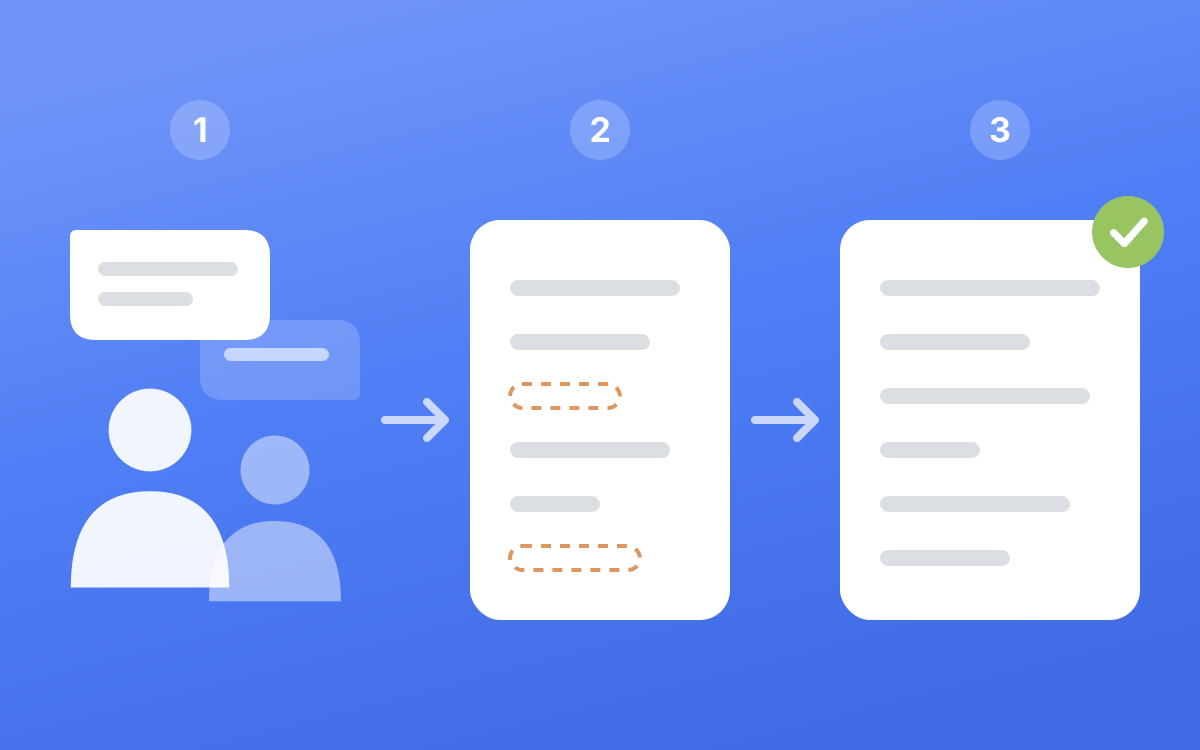
Every post needs something only you have: a decision you made, a number from your business, a mistake a client made before they found you, a view your peers would argue with. AI doesn't have any of those, so it either leaves them out or makes them up, and both leave a post feeling hollow.
The easiest way to get them out is to talk. We interview each client once a month and plan 12 posts from that one conversation. If you're doing it alone, a 20-minute voice memo answering five good questions works.
A good question carries its own setup, so you can answer it cold weeks later. "Tell me about pricing" gets you a lecture. "When you raised your prices last spring and two clients left, what did you tell the ones who stayed?" gets you a story. For more on turning one interview into a quarter of posts, see how to plan a LinkedIn content strategy as a founder.
2. Give the AI your material, your voice and a shape#
These are three different inputs, and mixing them up is where most prompts go wrong.
- Material is the transcript of what you said. It's the only place facts should come from.
- Voice is 3 to 5 of your own real posts. They show the model your sentence length, your words and your register. Don't let it borrow their topics.
- Shape is one post, by anyone, whose structure you like. It shows how the hook opens and how the body is laid out.
A post needs all three. Voice decides whether you could have written it, and shape decides whether the hook is strong.
3. Let it draft, and make it leave gaps#
Tell the model to build only from the transcript. When a point needs a detail you didn't give, it should leave a marker like [ASK] instead of filling the hole. An invented detail is how you end up with a line you can't defend when someone asks about it in the comments.
Keep the draft to one idea. If two themes fight, cut the weaker one and save it for next week.
4. Edit one lens at a time#
This is where posts become human, and it's the easiest step to skip. A single read looking for "anything off" misses most of it, so we read the draft several times, each time looking for one thing only:
- Clarity. Could a stranger follow it from line one? Is every "this" and "that" named?
- Connectivity. Take each pair of adjacent lines and ask whether the second picks up something the first gave. If the reader has to build the bridge, add the connector.
- Voice. Could it sit among your real posts without standing out?
- Shape. Does the hook land in the first two lines, and does the body deliver what the hook promised?
- Slop. Go line by line through the tell table above.
- Judgment. Covered in the next step.
Then loop. Keep reading until a full pass changes nothing. If you want to go deeper on the opening lines, we wrote up what happens to posts before "see more".
5. Ask whether you'd sign every line#
Read it one last time and ask one question: would I put every line under my own name? People say things in interviews they'd never publish, like a private detail about a client, a joke at a named company's expense, or something that makes them look careless. Saying it out loud isn't the test. Keep the point and lose the detail.
Three prompts that work#
Paste these into whichever AI tool you use, and swap the brackets for your own material.
Prompt 1. Have the AI interview you#
Interview me for one LinkedIn post. Ask one question at a time and wait for my answer.

Each question must carry its own context (the situation, the year, the number) so I can answer it without scrolling back.

Ask for concrete things: what happened, what I decided, what it cost, what I would tell a peer in the same spot.

Don't suggest answers and don't write the post. Stop after 6 questions.
Prompt 2. Draft from your transcript#
Write one LinkedIn post from the TRANSCRIPT below.

Rules
- Use only facts, numbers and stories from the transcript. If a point needs a detail I didn't give, write [ASK] instead of inventing one.
- Match the rhythm and vocabulary of MY POSTS. Don't reuse their topics.
- Open on the most concrete thing in the transcript, like a number, a date or a decision.
- One idea. 150 to 300 words. A blank line between sentences.
- No em dashes. No colons that announce something. No "it's not X, it's Y". No question to the reader at the end.
- Never use: delve, landscape, unlock, leverage, elevate, navigate, foster, robust, seamless, game-changing.

TRANSCRIPT
[paste]

MY POSTS
[paste 3 to 5]
Prompt 3. Hunt the tells without rewriting#
Act as a strict editor. Do not rewrite the post.

Quote every line that has one of these problems and say which one:
1. A colon that announces what comes next
2. Two short sentences in a row that belong in one
3. A contrast that defines something by what it isn't
4. Emotion that is claimed instead of shown
5. A number or claim with no source
6. A sentence that could be deleted without losing anything
7. A pair of lines where the second doesn't follow from the first

Then stop.
Asking for a list instead of a rewrite keeps the fixing in your hands, so the new lines come out in your words.
Before and after, one post fixed#
The founder, the transcript and the numbers here are made up for this example. Here's what an AI tool produced from a topic alone, "why I stopped sending proposals after the first call":
Here's the thing about proposals:
Most founders send them too early.
It's not about speed. It's about trust.
I learned this the hard way.
Now I follow a simple 3-step framework. Listen deeply. Diagnose clearly. Propose confidently.
The result? Higher close rates and happier clients.
What's your approach? Drop it in the comments.
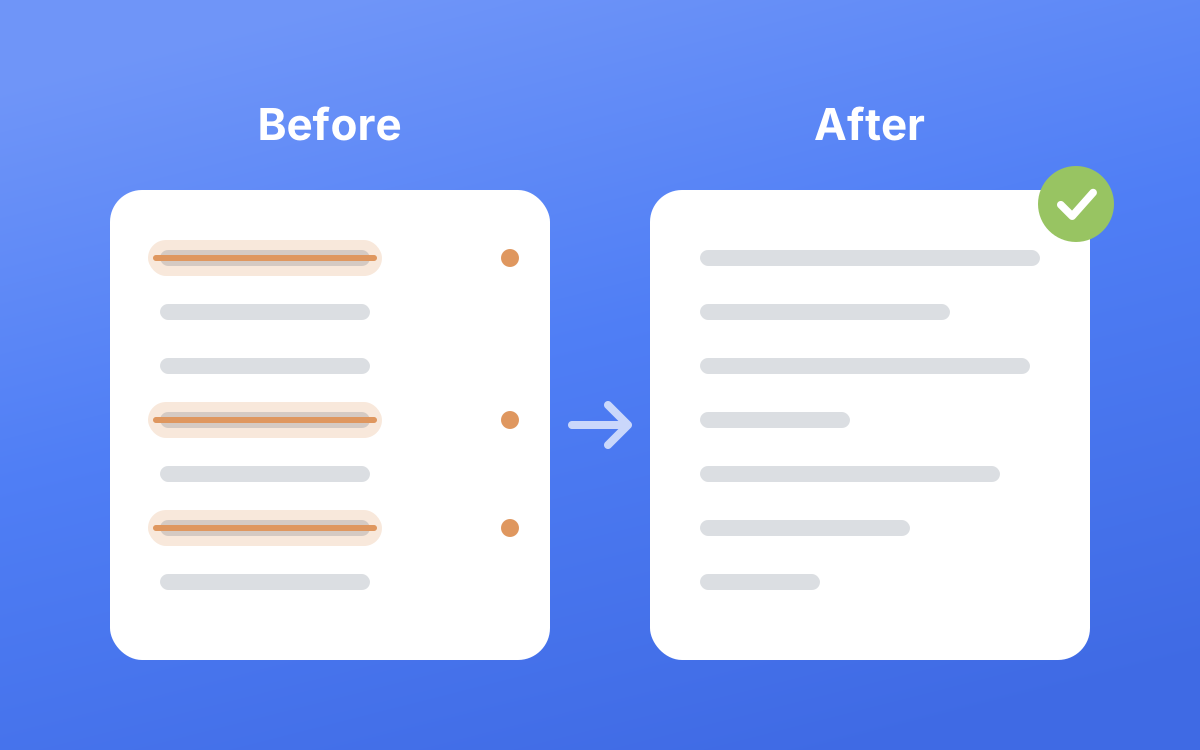
Count the tells. There's a colon setup, a not-X-but-Y, chopped rhythm, a performed "hard way" with no story behind it, a tidy triplet, a staged "The result?", a claim with no number and an engagement-bait closer. It's also generic enough that any founder could have posted it.
Here's the material from a five-minute voice memo:
"Last year we sent a proposal the same day as every first call. I tracked them for a quarter and most went quiet within a week. So now the first call ends with a second one booked, 30 minutes, where I walk them through it on screen and they can push back live. About half the people who turn up to that second call sign. The ones who don't turn up were never going to, and now I find out before I've written an eight-page document for them."
And the post after drafting from that memo and editing with the lenses above:
We used to send a proposal the same day as every first call.
For a quarter I tracked what happened to them, and most went quiet within a week.
So the first call now ends with a second one in the diary, 30 minutes, where I walk them through the proposal on screen and they can push back live.
About half the people who turn up to that second call sign.
The ones who don't turn up were never going to, and now I find that out before writing an eight-page document for them.
A proposal nobody walks you through is easy to ignore.
Every fact in the second version came from the memo. The opening is a concrete decision, the lines pick up from each other, the sentence lengths vary and the closer lands a principle quietly. What changed between the two was the input and the edit, and neither needed a cleverer prompt.
What to hand AI and what to keep#
| Job | Give it to AI? | Why |
|---|---|---|
| Transcribing your voice memo or call | Yes | Pure mechanics |
| Pulling possible post angles from a transcript | Yes, then you pick | It finds structure; you know which angles are true |
| First draft from your transcript | Yes | Beats a blank page |
| Hunting tells in a draft | Yes, as a checklist | It checks a list line by line without getting tired |
| The stories, numbers and opinions | No | Only you have them |
| The hook | Let it offer options, you choose | You know what your audience would stop for |
| The final read aloud | No | You're the one signing it |
This is the same split we run at Blen: a monthly interview, drafts written in the client's voice from that transcript, the lens review before anyone sees a draft, and the client approving in their own app. We explain why that model beats edit rounds in why we stopped asking clients for edits, and if you're deciding who should do the writing at all, see LinkedIn ghostwriter vs agency vs AI.
Frequently asked questions#
Does LinkedIn penalize AI-generated posts?#
LinkedIn hasn't banned AI-assisted writing. It has added a "Seems like AI slop" report button, and its chief product officer said reports plus better detection cut views of content LinkedIn classifies as AI slop by 40%. The risk is a post that reads like slop, whatever tool drafted it.
Are most LinkedIn posts written by AI now?#
Originality.ai, an AI detection company, classified 81.2% of 5,000 public LinkedIn posts of 100 words or more as "Likely AI" in July 2026. That's one vendor's detector, so treat the exact figure as an estimate.
How can you tell if a LinkedIn post was written by AI?#
Look for several tells clustered together: colon setups like "Here's the thing:", "it's not X, it's Y" contrasts, strings of very short sentences, words like "delve" or "unlock", and a closer asking you to comment. The strongest sign is that no detail in the post could only have come from that person.
What is the best AI prompt for LinkedIn posts?#
No prompt can fix a missing story. The best input is a transcript of you talking about something that happened, plus 3 to 5 of your own posts for voice. Tell the model to use only facts from the transcript and to mark gaps instead of filling them.
Do AI humanizer tools work for LinkedIn posts?#
A word swap won't fix the strongest tells, because they're structural, like the contrast framing and the chopped rhythm. Changing "leverage" to "use" also doesn't help a post that has nothing specific in it. An edit against a checklist, on a draft built from your own material, does more.